
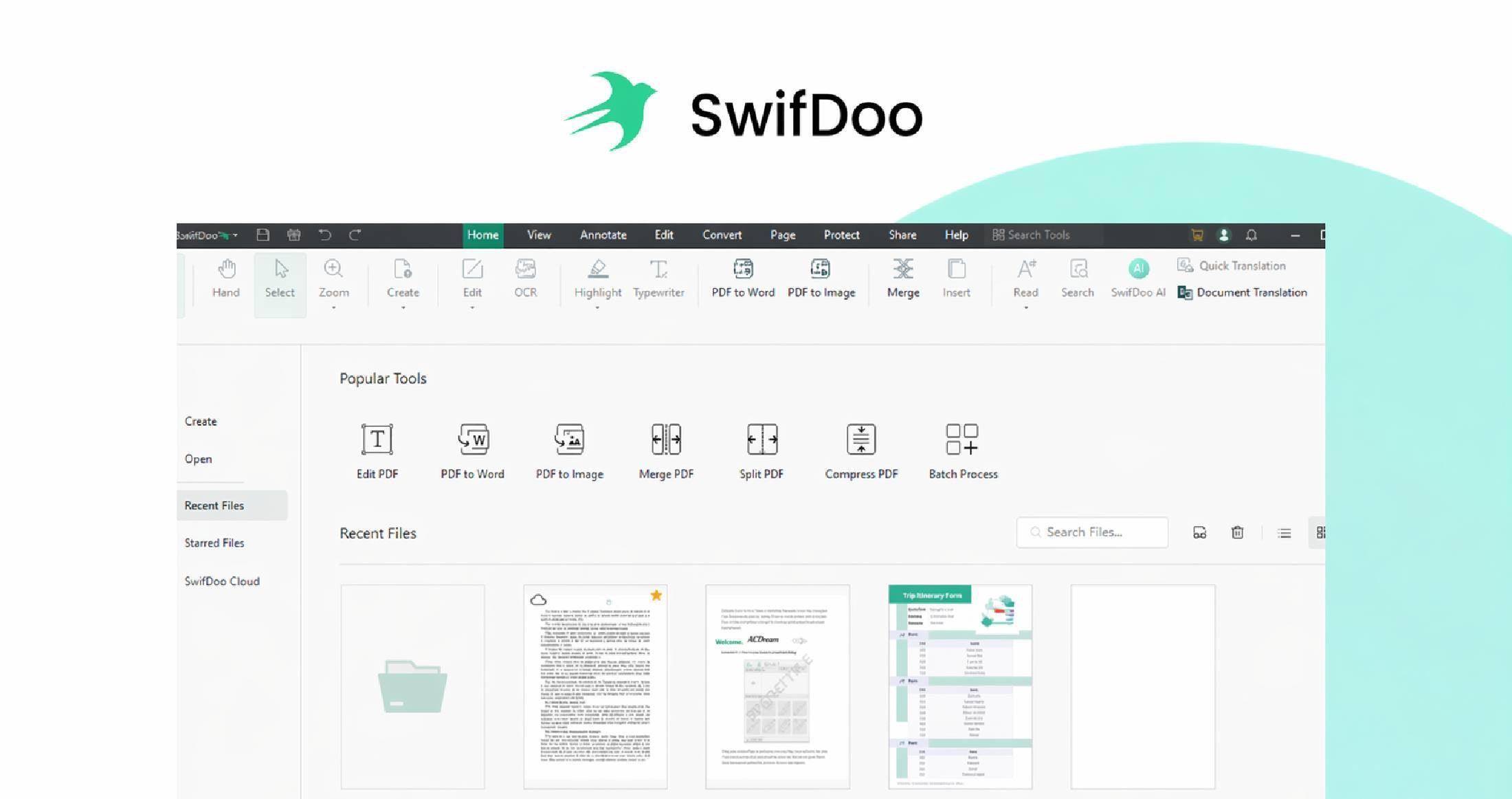
SwifDoo PDF
A fast, lightweight, all‑in‑one PDF tool that gives you full PDF functionality without recurring fees. Buy a lifetime license (valid on up to 8 devices) and work across Windows, macOS, iOS, Android, and the web.
What you can do
- Edit PDF text, images, links, and pages quickly and intuitively
- Convert PDFs to and from Word, Excel, PowerPoint, images, CAD formats, HTML, TXT, EPUB and more
- Merge, split, compress, organise, protect, and print PDFs
- Fill forms and add e-signatures (including support for legally binding electronic signatures)
- Use OCR to recognise text in scanned or image‑based files
- Use AI tools to summarise, translate, proofread, rewrite, and analyse PDF content
- Access and share files across devices with cloud support
Why choose SwifDoo PDF?
- Lifetime license for up to 8 devices — no monthly subscription
- Lightweight and fast with a small install size and responsive UI
- All‑in‑one toolkit: editing, conversion, signing, compression, protection, and organisation in one app
- Cross‑platform: Windows, macOS, iOS, Android, and web access
- Broad file compatibility: Office files, images, CAD, URLs, TXT, and scanned documents
- AI‑powered productivity features to speed up document work
- Free lifetime upgrades included
- Security features: password protection, permission controls, and e-signature support
- Simple interface designed to reduce friction and save time
How it works
- Open or create a PDF from Office docs, images, CAD drawings, URLs, or scanned files.
- Edit text and images, add annotations, rearrange or combine pages, split documents, or compress files for sharing.
- Convert while preserving original formatting (PDF ⇄ Word/Excel/PPT/JPG/PNG/DWG/etc.).
- Run OCR on scanned files to make them searchable and editable.
- Use AI tools to summarise, translate, proofread, rewrite, or extract insights.
- Save, sync, and share across devices using built‑in cloud support.
Key features
- Easy PDF editing: text, images, links, and pages
- Powerful conversion: Office, images, CAD, HTML, EPUB, and more
- OCR: turn scanned pages into searchable, editable text
- AI document assistance: summarise, translate, explain, proofread, rewrite, and chat with PDF content
- Merge, split, reorder and organise pages
- Smart compression to reduce file size with minimal quality loss
- Forms and e-signatures for faster document turnaround
- Security: password protection and permission controls
- Cloud‑friendly access and cross‑device productivity
Who it’s for
- Office professionals needing a reliable everyday PDF editor
- Students handling assignments, notes, and scanned research materials
- Freelancers who want pro PDF tools without recurring fees
- Small and medium businesses seeking a cost‑effective PDF workflow
- Educational institutions looking for accessible, easy‑to‑use tools
- Multi‑device users who want seamless desktop and mobile access
- Resellers and global users seeking an affordable alternative to traditional PDF software
Testimonials
⭐⭐⭐⭐⭐ Read all reviews here.
If you want a capable, easy‑to‑use PDF toolkit that’s fast, affordable, and built for cross‑device workflows, SwifDoo PDF is a smart choice.



There are no reviews yet.